CRITICAL ALERTS
How ELLO detects a fall and alerts your family
See what happens when ELLO detects a fall, long inactivity, smoke or signs of distress, and how the alert and clip reach your family.

ELLO is an elderly monitoring camera with Care AI. Set it up in under 5 minutes. It detects falls, long inactivity, smoke and signs of distress, then alerts you and up to 4 family members with the video clip.

STEP 1
Buy your ELLO camera

STEP 2
Set up the ELLO camera

STEP 3
Download the app

STEP 4
Start your 7-day free Care AI trial
Seven short videos, each with a written transcript.
CRITICAL ALERTS
See what happens when ELLO detects a fall, long inactivity, smoke or signs of distress, and how the alert and clip reach your family.
LIVE VIEW
Open live view in the ELLO app, check on your parent from anywhere, and talk through the camera.
PRIVACY
Mask areas you don't want recorded. If ELLO detects a person in a masked area, it shows them, so a fall is not missed. Detection zones tell ELLO what it is looking at, such as the front door.
DAILY LIFE
See your parent's usual activity without watching a feed, so you know when the day looks normal.
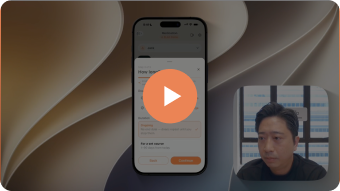
SETUP
Plug in, connect to Wi-Fi, add the camera in the app and invite your family.
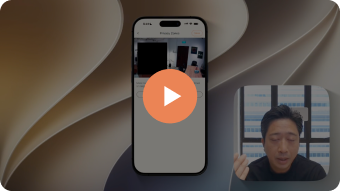
CARE TOOLS
Set reminders for your parent's medication and appointments, shared with the family.
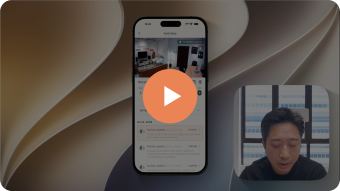
SUPPORT
Reset the camera when you change your Wi-Fi or router, then add it again in the app.
Setup takes under 5 minutes: plug in the camera, connect it to Wi-Fi and download the ELLO app. If you get stuck, WhatsApp us and we will guide you.
Care AI needs an internet connection. If the camera stays offline for more than 5 minutes, ELLO notifies you, so you are not left assuming it is working.
Remove the camera in the app and add it again on the new network. Each camera is securely linked to your account, so it needs to be paired again. Watch "How to reset your ELLO camera" above.
Yes. ELLO has infrared night vision, so it keeps watching when the lights are off.
Free checklist
A one-page list for an HDB flat: bathroom, bedroom, kitchen, and what to check on each visit.
By signing up, you agree to receive emails from ELLO. Unsubscribe any time. Privacy policy.